How to Configure Role Permissions and User Overrides
Understanding the role hierarchy, inspecting the permission matrix, and assigning custom overrides.
Steps
Understand the seven system roles
Review the seeded restaurant hierarchy:
• Owner: Full authority over all locations, settings, and team. • Manager & Administrator: Operational management of menu, stock, tables, prep times, and floor. • Chef & Cook: Kitchen operations, pass board, and stock 86ing. • Waiter & Bartender: Dining room floor, order taking, table service, and bills.
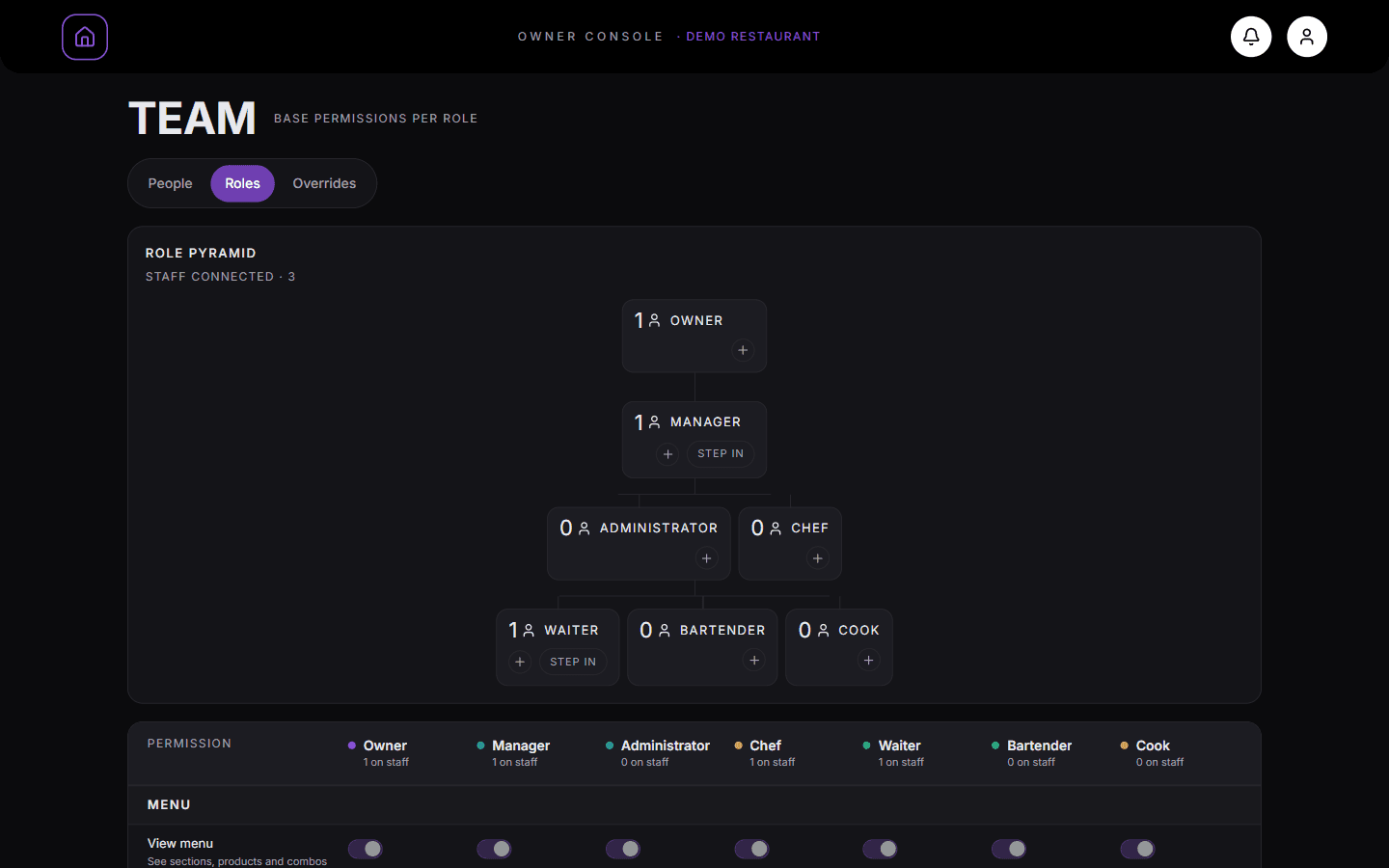
The role pyramid shows each role and how many staff hold it. Review permission groups
Inspect the permission groups mapped across each role:
• Menu: View menu, edit menu structure, modify prices. • Stock: Mark sections, products, or ingredients out of stock. • Orders: View incoming orders, cancel orders. • Tables: Assign tables to staff, toggle table power. • Staff: Manage staff roster and invitations. • Analytics: View operational and financial reports. • System: Modify service settings and audio presence emitters.
The permission grid lists each permission with a switch per role. Apply user-specific permission overrides
Click the "Overrides" tab or click a staff member from the list.
You can grant specific additional privileges to a staff member (such as allowing a trusted Head Waiter to cancel orders or allowing a Sous Chef to edit menu descriptions) without altering the global role template.
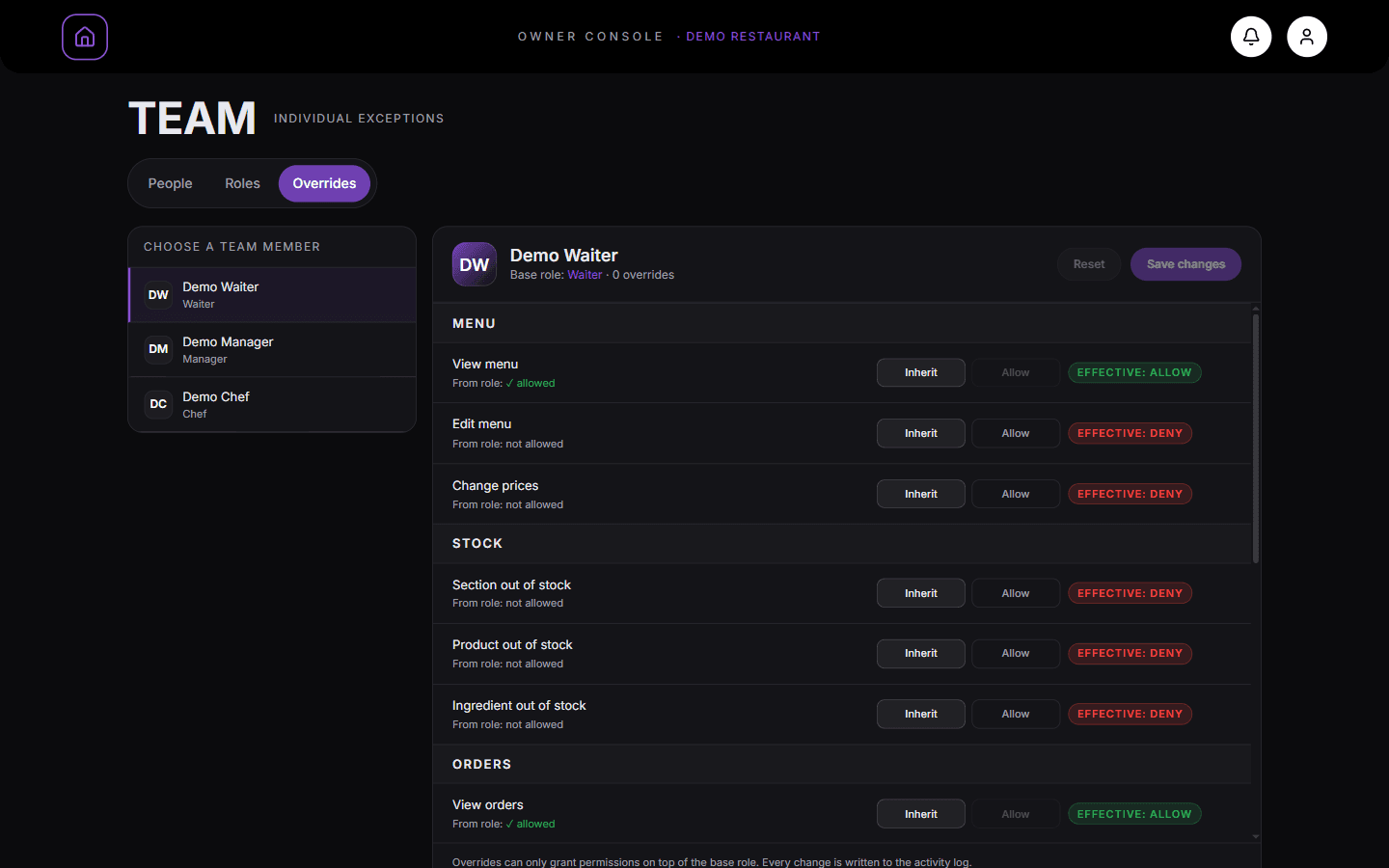
Team → Overrides. Choose a member, then use Inherit or Allow for each permission. The badge shows the effective result.
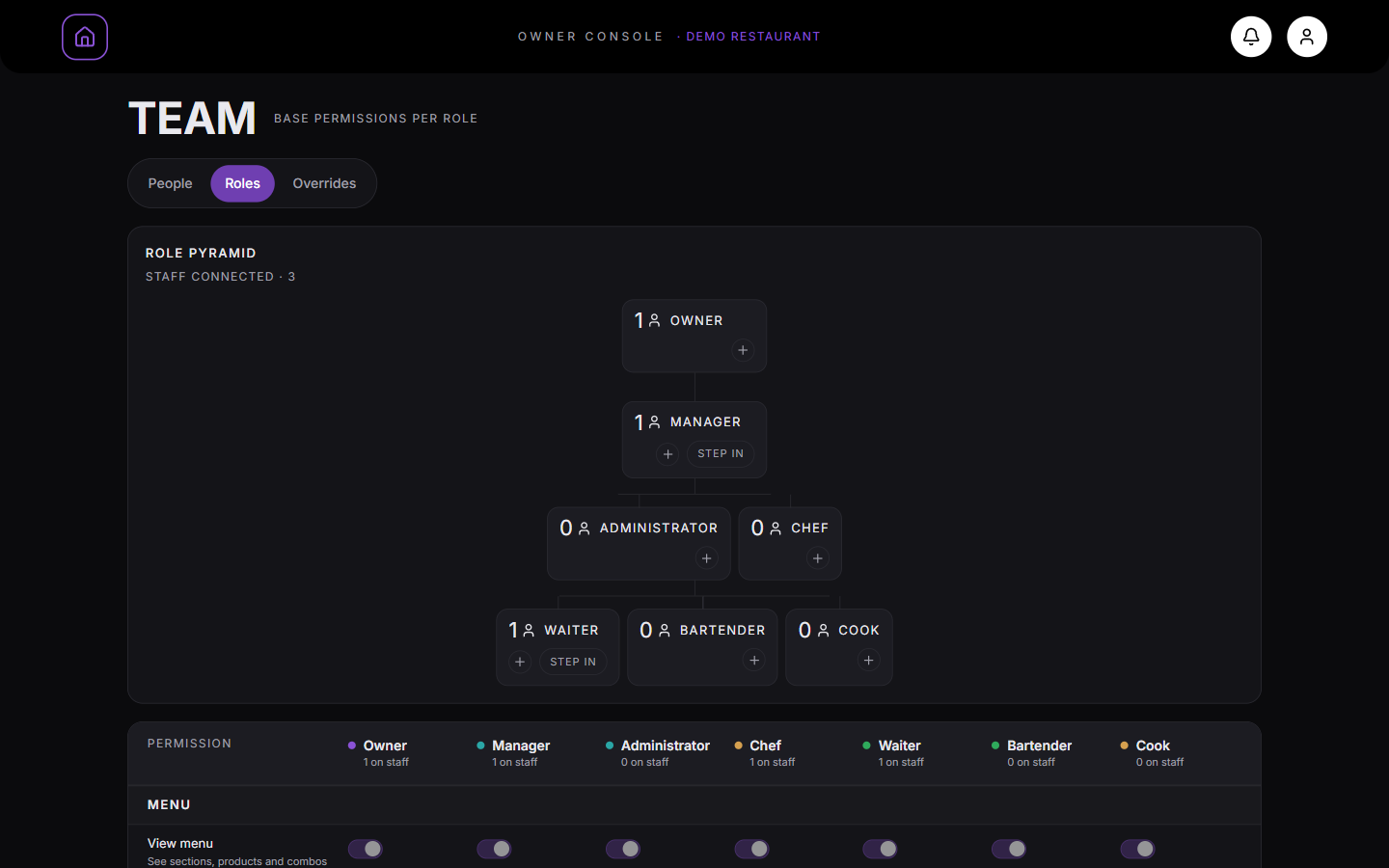
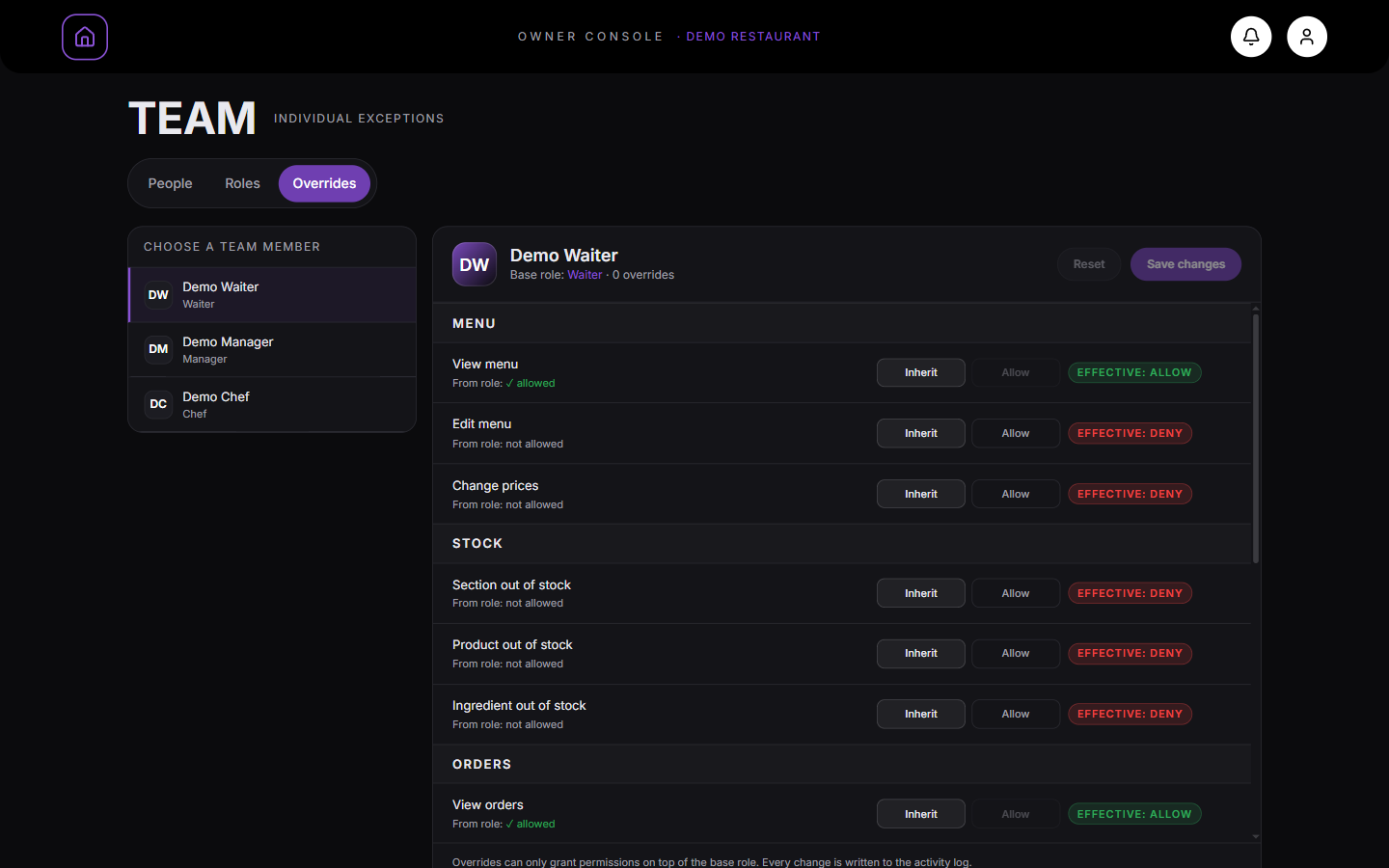
What you should see
Access privileges are tailored to your staff while protecting sensitive business settings.
Good to know
- Role overrides apply immediately across the staff member’s active session.
Related guides
- Understanding Staff Roles and WorkspacesLearn what each role in MesaFlow can see and do across Owner, Manager, Waiter, and Kitchen surfaces.
- How to Invite Staff and Manage Team MembersAdding staff members, assigning system roles, generating temporary credentials, resetting passwords, and deactivating accounts.