How to Place an Order on Behalf of a Table
Entering an order for guests who prefer to order verbally or lack a mobile device.
Steps
Navigate to Tables
From the waiter header, tap "Tables" or open `/waiter/tables`.
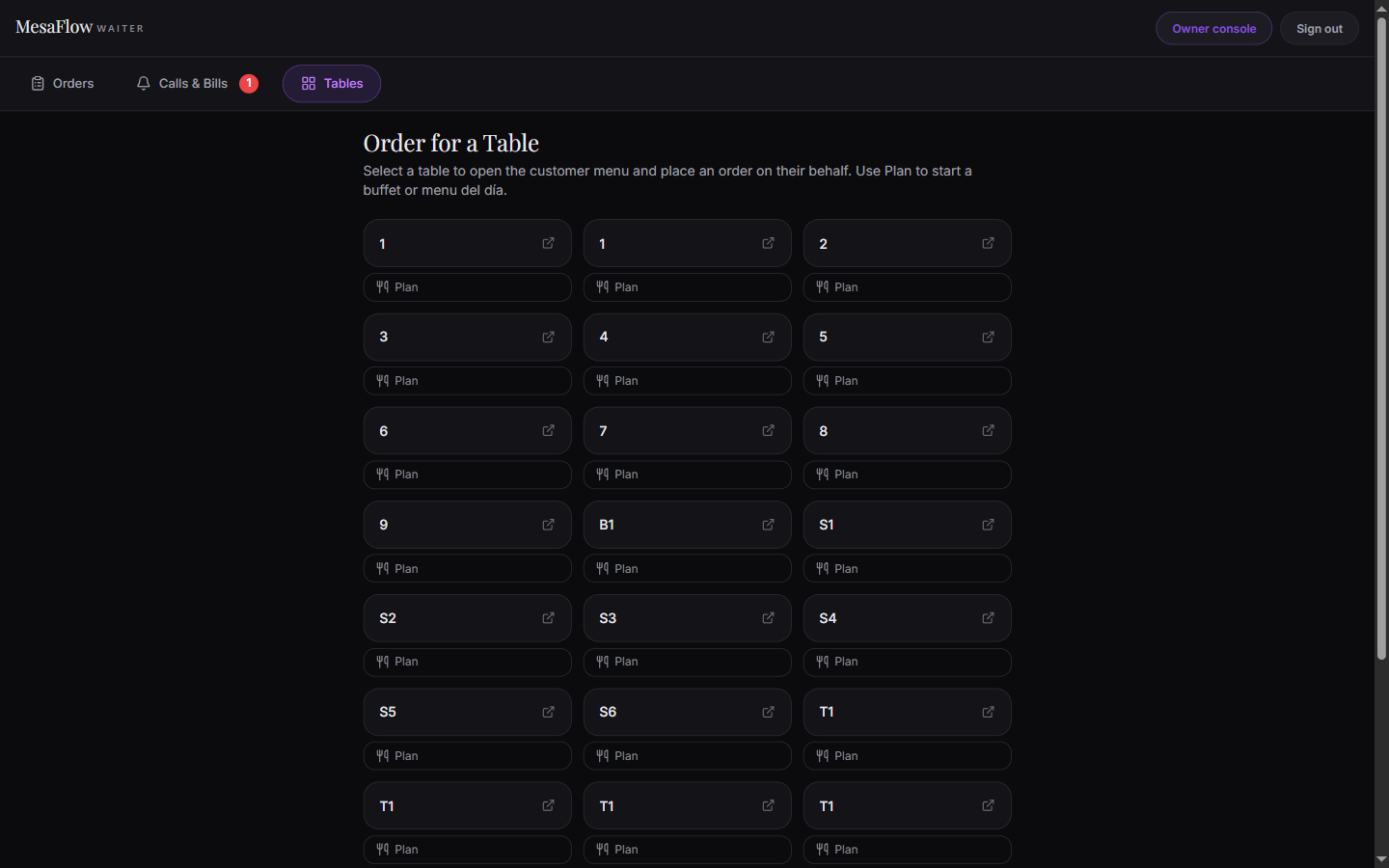
You will see a grid of all configured dining tables with their labels (e.g. Table 1, Table 2, Patio 4).
Add items and submit
Browse the menu, select the customer’s requested dishes and modifiers, add them to the cart, and tap "Place Order".
The order immediately registers against that table and fires to the kitchen pass just like a customer tap.
Start a dining plan if applicable
If the table is ordering an all-you-can-eat buffet or fixed menu, tap the "Plan" button under the table label.
Select the dining plan (e.g., Buffet Libre), enter the number of adults and children, and tap "Start Plan".
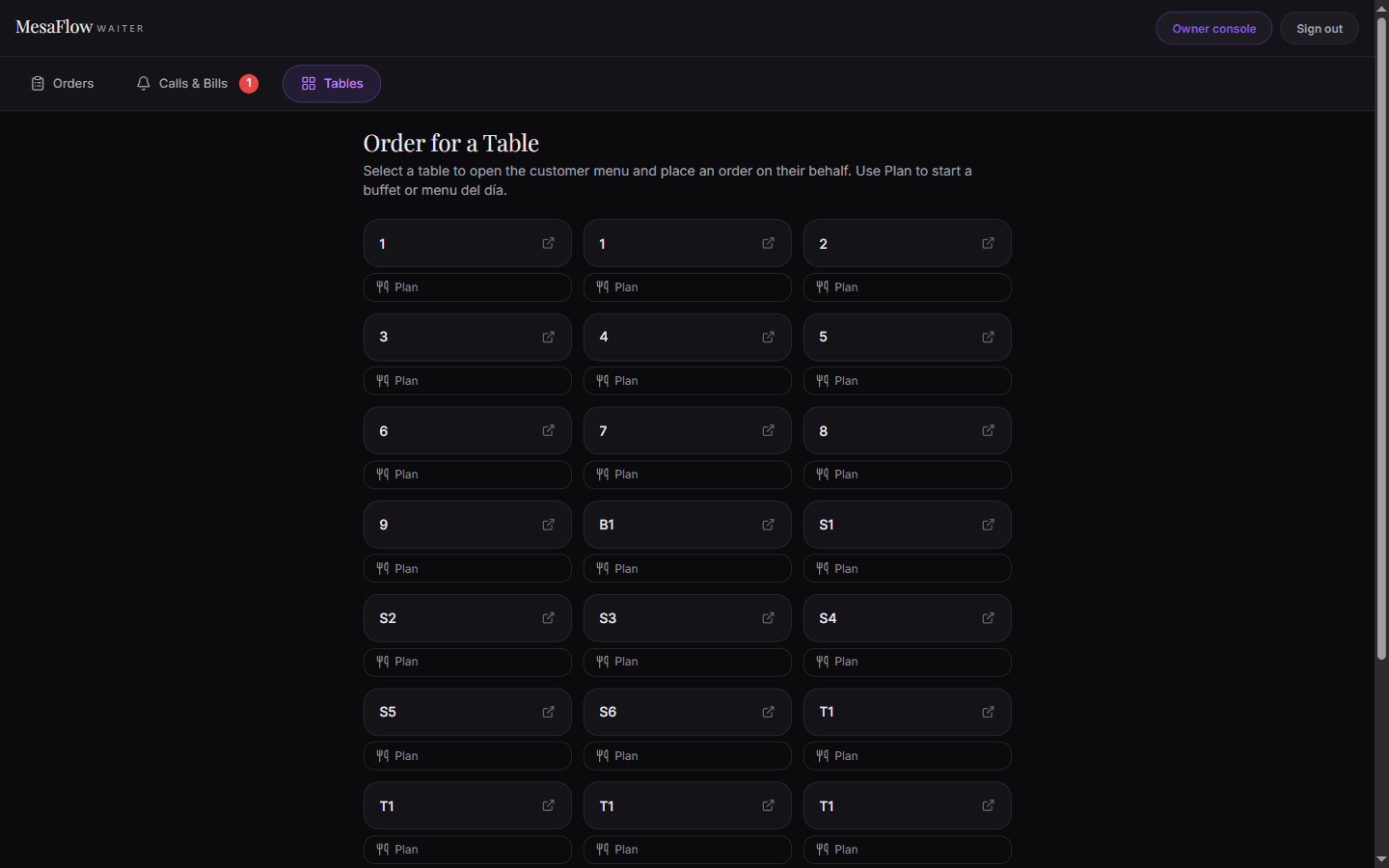
Plan, under each table, starts a buffet or menu del día.
What you should see
The order is placed directly into the system for the chosen table without requiring the customer to tap a card.
Good to know
- Orders placed by staff appear on the board identically to guest-submitted orders.