Managing Active Tables and Today’s Reservations
Monitoring table occupancy, viewing upcoming bookings, and managing table availability during shift.
Steps
Check Today’s Reservations ribbon
Open `/waiter/tables` to see the "Today's reservations" ribbon at the top of the screen.
Upcoming bookings are listed with table number, guest name, party size, and scheduled times. Active reservations occurring right now are highlighted in red.
View table statuses on the floor plan
Open the floor fold on `/waiter` or check the floor layout in `/dashboard/scheme`.
Tables change color to indicate whether they are open, have an active dining order, have called for a waiter, or are requesting the bill.
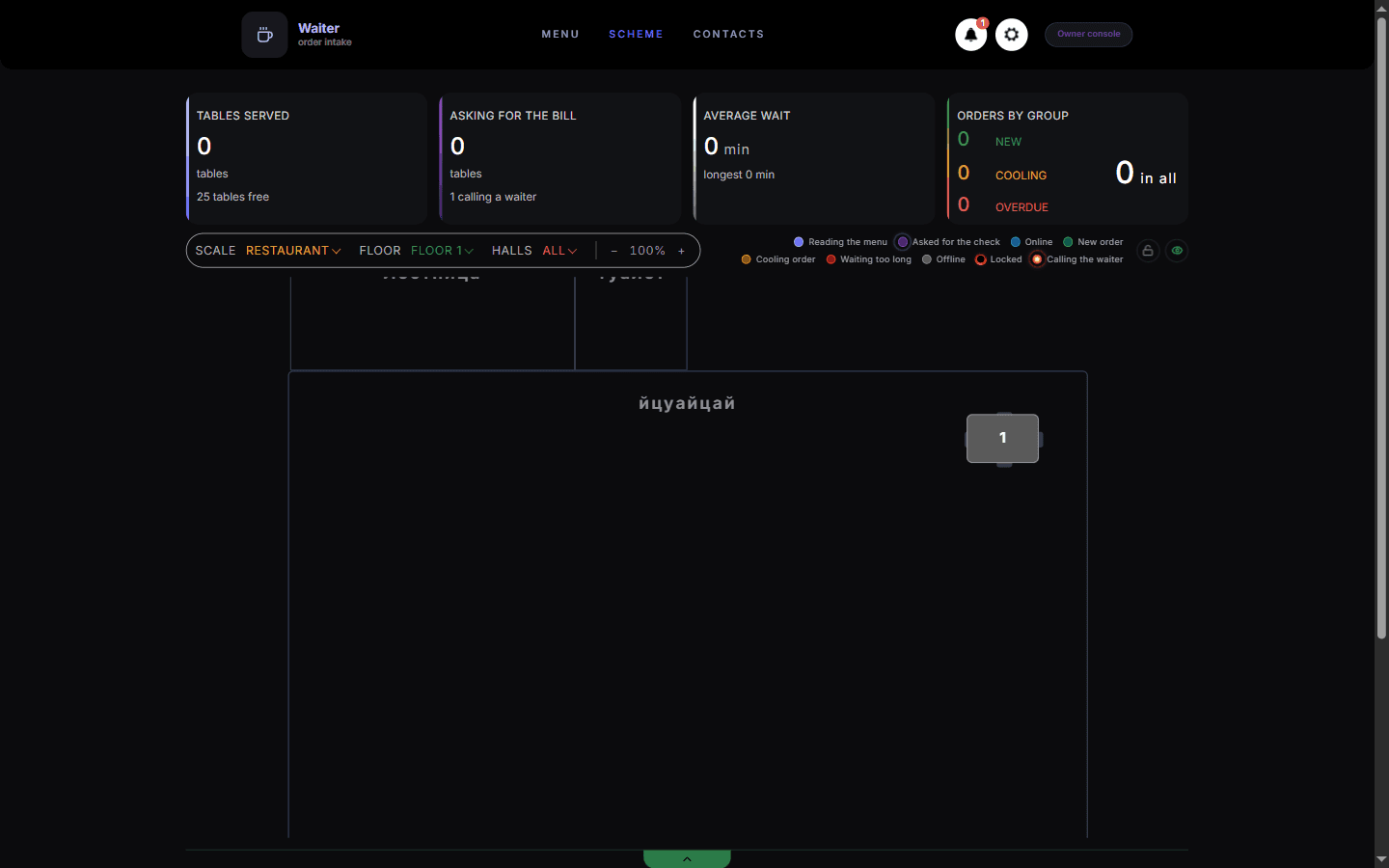
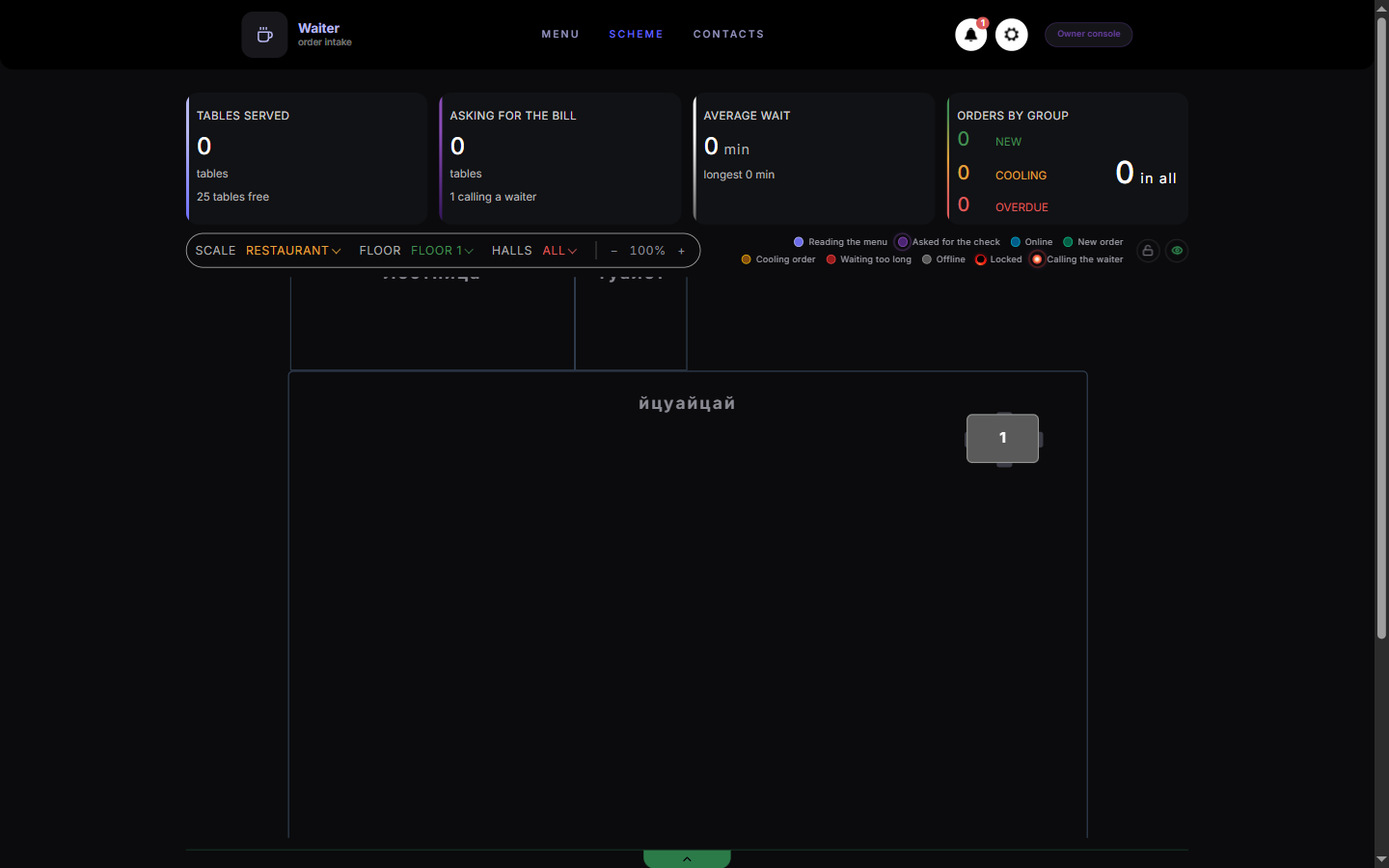
The legend explains the table colours on the floor plan. Manage joined tables during service
When seating a large party spanning multiple tables, check that the host table is selected.
Joined tables share orders and bills under the primary table designation.
What you should see
You maintain complete situational awareness of floor capacity and reservation commitments.
Good to know
- Reservations automatically refresh every 60 seconds to ensure you have the latest guest arrival times.