GuestGuest Flow
How to Call a Waiter from the Table
Requesting staff assistance at your table directly through your phone menu.
Who can do thisRestaurant Guests.
Steps
Confirm the request
Tap "Call Waiter" to send the request.
A notification instantly chimes on the Waiter Dashboard and floor screens with your table number.
Await staff arrival
Your screen will indicate that a waiter has been called.
Once the waiter acknowledges your call on their screen, the notification is marked as responded.
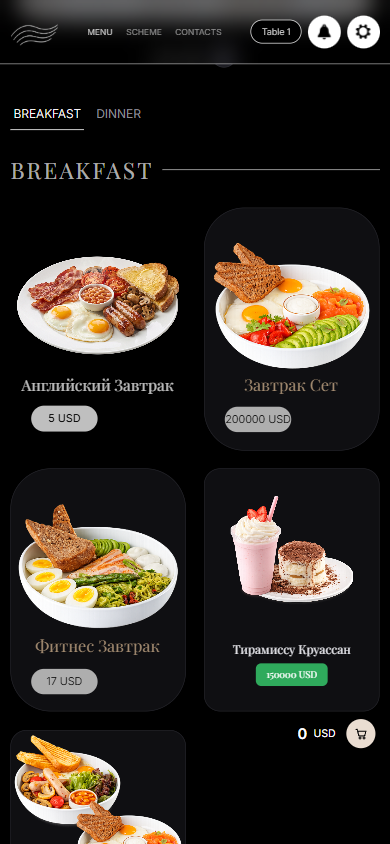
What you should see
The floor staff are alerted that your table needs assistance and will visit shortly.
Good to know
- Calling the waiter does not close or modify any existing orders in progress.